


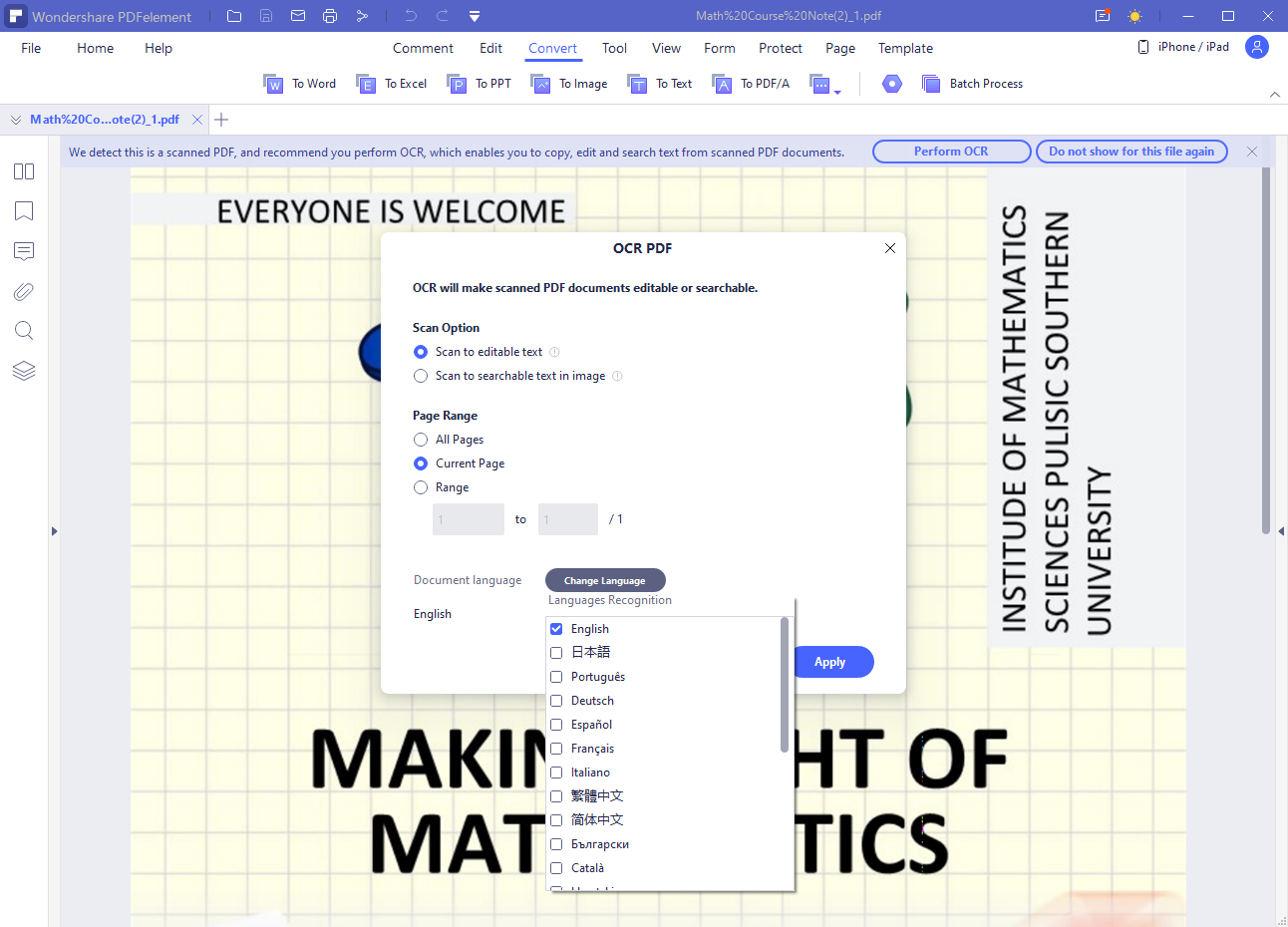
When you scan a document, it is usually scanned into an image, then with a Jpeg or PNG extension. In some cases, however, it is necessary to convert to different formats, more suitable for sharing and sending with other people. One of the best choices in this regard is the PDF, which allows you to significantly increase the quality of the file, without excessively affecting its final weight. Without forgetting that unlike other text files, PDF is hardly editable without special software. You can’t just open your PDF document and edit it however you like. You’ll need to use special software for that, we’ll talk about Wondershare PDFelement in this article.
How to convert an image to PDF
We have said that in some situations it may be useful to convert the image scanned from a document into a more versatile format. This format is PDF, which despite having been around for over two decades, always maintains a great appeal from an aesthetic point of view. Not to be underestimated even as without a special software, editing the PDF is practically impossible. On the web we can find a lot of software that promises to modify scanned PDF files, but not all of them are effective in the same way. Most of them only provide standard editing facilities that cannot be relied on in complex jobs that require collaboration among several people.
The same goes for one of the many online services that offer the same conversion. All these solutions are often lacking in functionality, and sometimes even not very effective in terms of Optical Character Recognition (OCR). A program that, on the other hand, particularly excels for its completeness of functionality, effectiveness, and versatility, is PDFelement. PDFelement is a software developed by Wondershare, a leading technology company.
We are talking about a solution that can work on both the most used computer platforms, namely Windows and Mac OS. But PDFelement can also be used from mobile, thanks to the versions developed for Android and iOS. Do not forget how well it also behaves for free online PDF editing.
Thanks to PDFelement it is possible to transform the images acquired through a scanner into PDF format. We are talking about a more common situation than you think, which occurs for example when you need to fill in a “field” document. In any case, the first fundamental step is to download and install the version suitable for your device. At this point you can start the program and load the document of interest through the “Open” button. Thanks to the Optical Character Recognition function, the program will be able to independently detect the presence of text in the file. Once the document has been acquired, you can make all the necessary changes with PDFelement.
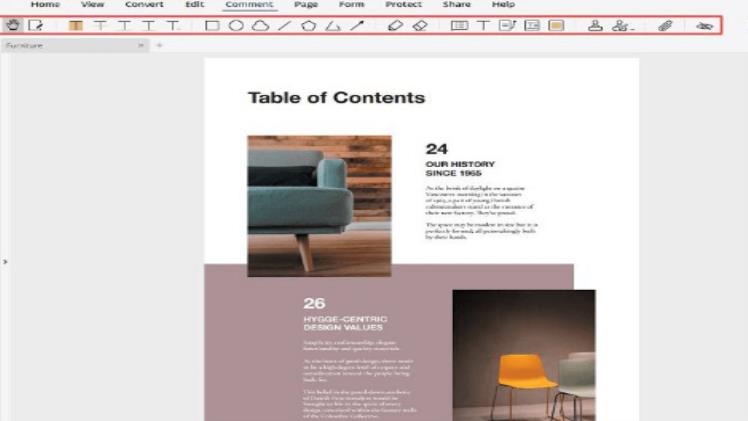
Among the many possible we can add or remove portions of text, images, or hyperlinks. The latter are nothing more than clickable links that refer to websites, “hidden” behind some selected words. In certain situations they can be very useful. Once you have made all the necessary changes, all that remains is to save your work in PDF format. You can’t expect anything simpler than this!
The additional features of PDFelement
As anticipated, PDFelement is a particularly feature-rich software, which not only allows the export of images to PDF, but also a very high level of editing on documents. As for the textual part, for example, it will be possible to change the font, size, and color. The images inserted into the file, on the other hand, can be resized as desired as needed. You can change any image (embedded in the document) so that it will fit your document. No more surrender to images that are haphazardly embedded. You can change all that.
Annotation features
In a collaborative work, annotations are something that cannot be left out. Annotation is basically an activity to comment on an object, in this case a PDF document. PDFelement provides various annotation facilities such as underlines, shapes, notes, highlights, and much more. That way you can tell your colleagues specifically, which parts of the document need to be corrected.
Password
With PDFelement, you can protect the sensitive information in your documents. You simply press the “Protect” tab, followed by the “Set Password” button. After you click “Set Password”, the Password Security window will be active. The next step is to press “Open Password” to create your own password. And the last step is to enter the Permission Password option. It’s easy to protect your sensitive information from unauthorized people.

Digital signature
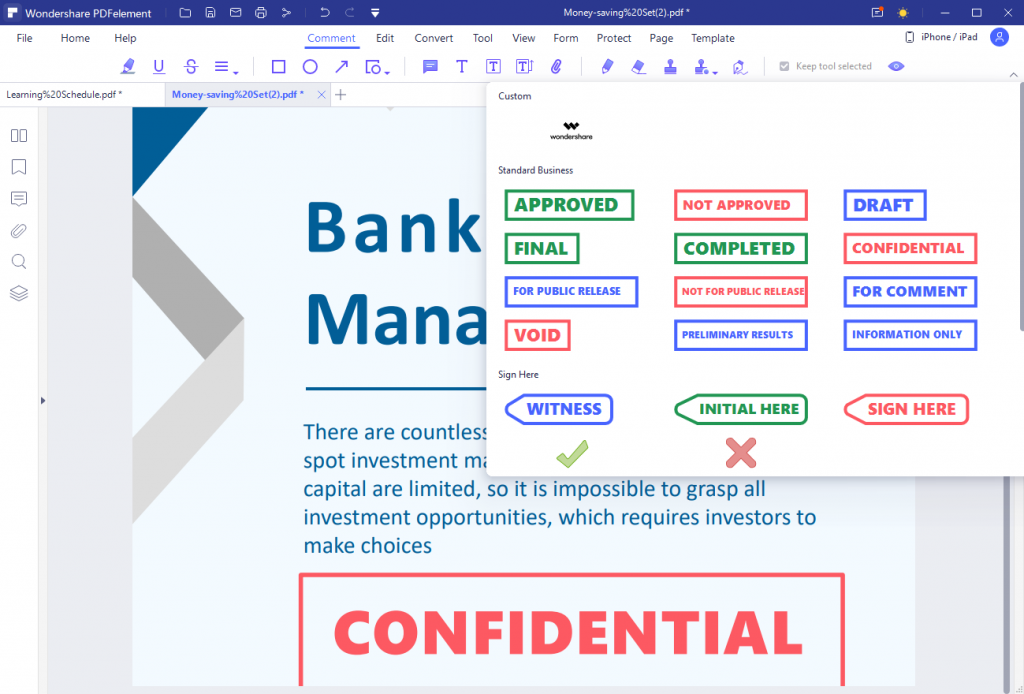
Forget hard copy from now on! Why? Because PDFelement allows you to embed a digital signature on any PDF document you want. A digital signature will make your document look more official and if you use that document for business proposal submission, it will make your proposal look professional. If that wasn’t enough, PDFelement allows you to create customized stamps. How to? You just need to launch PDFelement, click “Open File.” You can see “Open File” in the home window. Continue with “Sign Document” and define the area in your document where you will add your digital signature. A “Sign Document” dialog will appear in the background. The next step is to create a new ID with information such as name and address. Then you will be taken back to “Sign Document” but with additional information attached to your new ID. The information will be displayed in the box. Then you have to press “Sign” and your signature will be added immediately (according to the information you have provided).
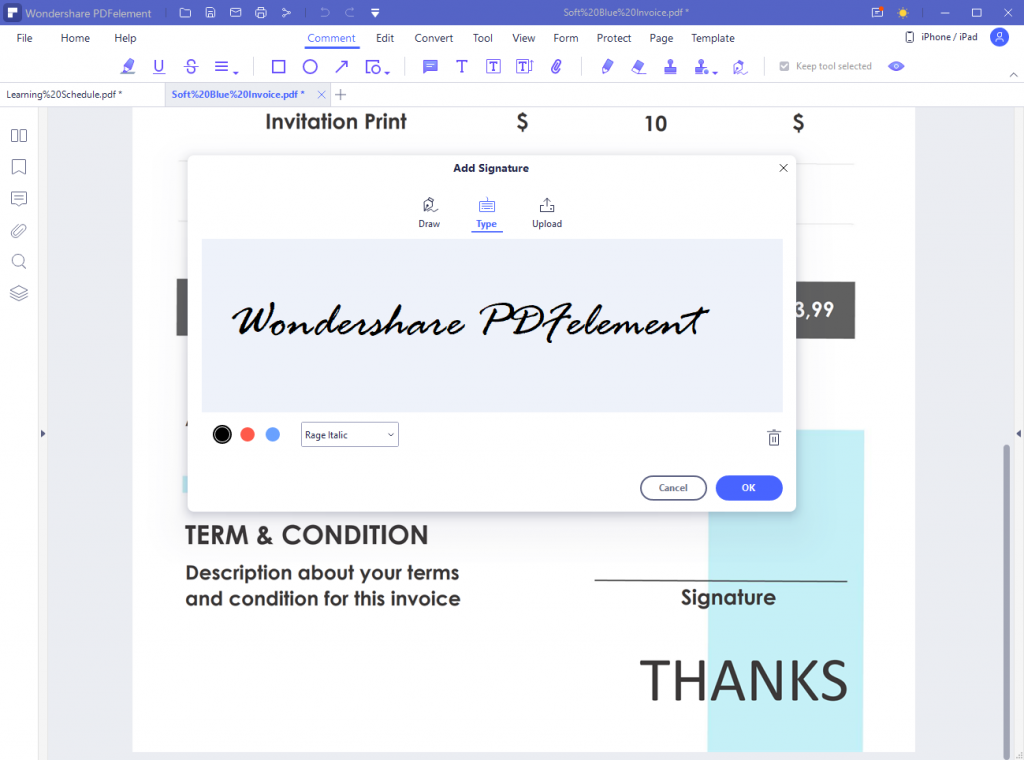
But it does not end there, because it is also possible to just make notes, or possibly sign the document digitally. The software clearly not only allows the conversion to PDF, but also the reverse path. This means that PDFelement allows the transformation of documents into Word, Power Point, Excel, ePub, and HTML files. Last but not least, a very important feature of PDFelement, which is that you can test its features completely free of charge.
